Key takeaways
- A missed call text back sends the caller a text from your business number within moments of an unanswered call, so the conversation keeps going.
- A good template names your business, apologizes, asks one question and ends with "Reply STOP to opt out."
- The first text should be informational. No promotions, coupons or sales pitches.
- In the US, business texting from a 10-digit number needs A2P 10DLC registration, and you should test before going live.
- A template opens the conversation. Someone still has to answer the reply, and that is the part that wins or loses the customer.
What is missed call text back?
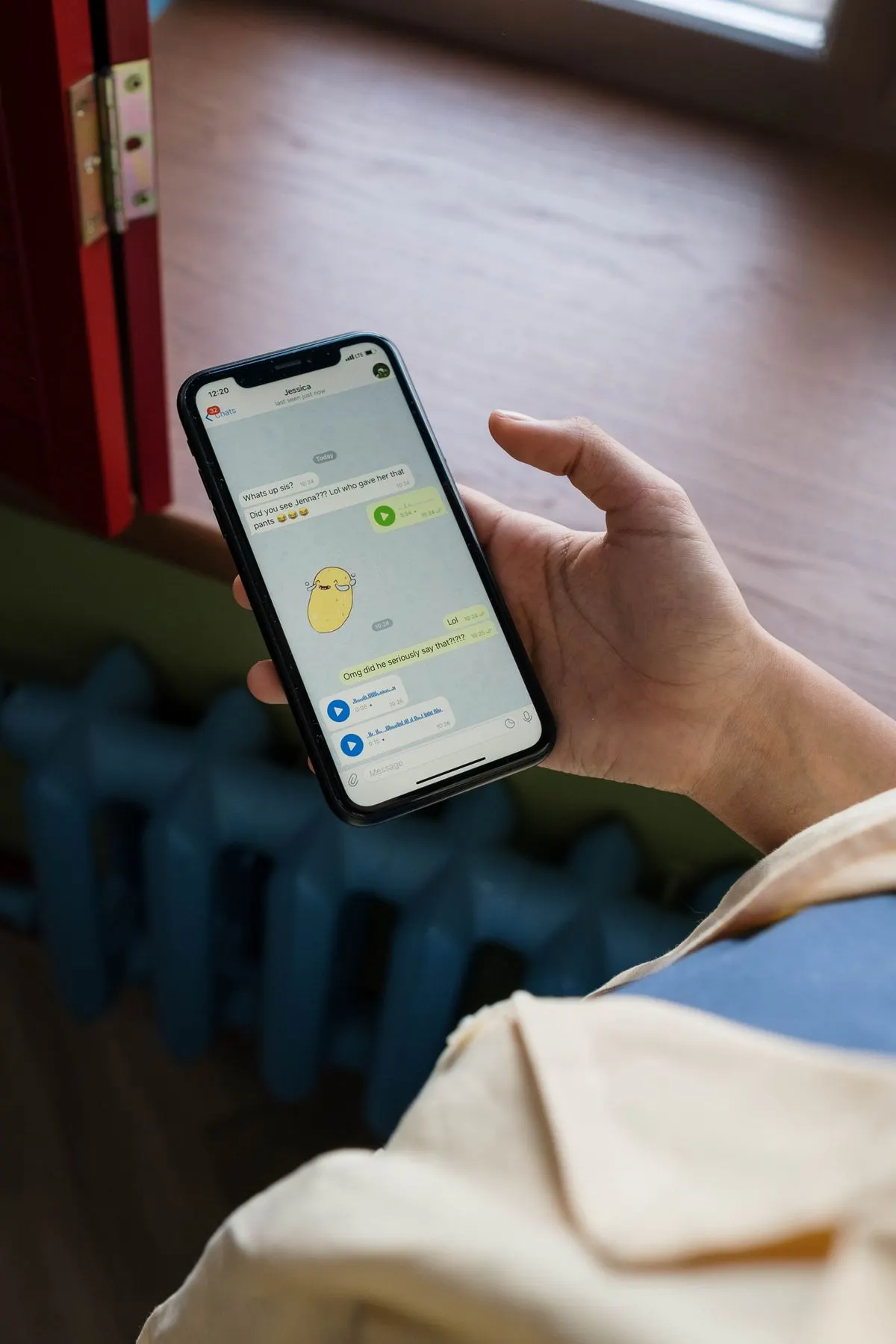
Missed call text back is an automatic text message sent to someone whose call to your business went unanswered. It doesn't leave the caller with a voicemail beep. They get a short text from your number that says sorry, tells them who you are, and asks how you can help. The caller can reply right away, and your team continues the conversation by text.
How it works, in 3 steps
- A call rings unanswered. Your line is busy, the front desk is with a customer, or it's after hours.
- The caller gets a text. Within moments, a message goes out from your business number.
- The caller replies and a person picks it up. Someone on your side reads the reply and keeps the conversation going: booking, quoting, answering a question.
It's a safety net, not a receptionist
Text-back isn't a replacement for answering the phone. It catches the calls that slip through. People who call usually want a person, and the research shows what happens when they don't get one: 78% of callers abandoned a business after an unanswered call, and 82% said they would call a competitor instead (CallRail, 2025). A text-back gives you a second chance with those callers. It only pays off if somebody answers the reply quickly.
The rules every template follows
Every template below sticks to the same five rules. Keep to them when you write your own.
- Keep it short. Two or three sentences. People read texts on the go.
- Name the business first. The caller may not recognize your number. "Hi, this is Harbor Dental" tells them right away.
- Give one clear next step. Ask a single question, like "What day works for you?", not three.
- No promotions. The first text is a follow-up to their call, not an ad.
- Add an opt-out line and promise only what you deliver. End with "Reply STOP to opt out." Don't write "we'll reply in 2 minutes" unless someone really will.
The templates
Copy these, swap in your details, and read each one out loud before you use it. Brackets mark the parts to change.
1. Restaurant reservation
Use when a guest calls during service and nobody can reach the phone.
"Hi, this is [Restaurant Name]. Sorry we missed your call — we're in the middle of service. Are you looking to book a table? Reply with the day, time and party size and we'll confirm. Reply STOP to opt out."
2. Dental or clinic appointment
Use for any medical office. Ask patients not to send health details by text.
"Hi, this is [Clinic Name]. Sorry we missed your call. Would you like to book or change an appointment? Reply with your preferred day and time. Please don't text health details — we'll call you to discuss those. Reply STOP to opt out."
3. Hotel enquiry
Use when the front desk is busy checking guests in.
"Hi, this is [Hotel Name]. Sorry we missed your call. Are you asking about a booking or an existing stay? Reply with your dates and we'll help from here. Reply STOP to opt out."
4. After-hours
Use for any business when calls come in after you close.
"Hi, this is [Business Name]. Sorry we missed your call — we're closed right now and open again at [time]. Reply with what you need and we'll get back to you then. Reply STOP to opt out."
5. Catering or private event
Use when event enquiries come into a busy restaurant or venue line.
"Hi, this is [Business Name]. Sorry we missed your call. Are you planning an event or catering order? Reply with the date and number of guests and we'll follow up. Reply STOP to opt out."
6. Takeout order
Use during rush hours when the phone rings faster than staff can answer it.
"Hi, this is [Restaurant Name]. Sorry we missed your call — it's a busy one. Would you like to place a takeout order? Reply here or order at [ordering method]. Reply STOP to opt out."
7. General small business
Use when none of the others fit.
"Hi, this is [Business Name]. Sorry we missed your call. How can we help? Reply here and we'll take it from there. Reply STOP to opt out."
8. Salon or spa appointment
Use when stylists or therapists are with clients and can't step away.
"Hi, this is [Salon Name]. Sorry we missed your call — we're with clients. Would you like to book an appointment? Reply with the service and a day that suits you. Reply STOP to opt out."
9. Home services (plumbing, HVAC, electrical)
Use when techs are on jobs and the office line goes unanswered. The second line points real emergencies to the right place.
"Hi, this is [Company Name]. Sorry we missed your call — our team is out on jobs. What do you need help with, and what's the address? If it's an urgent issue like a burst pipe or no heat, reply URGENT and we'll prioritize it. Reply STOP to opt out."
10. Follow-up second text (no reply)
Use the next business morning if the caller never replied to the first text. Send it once only.
"Hi, this is [Business Name] following up on your call yesterday. Still need a hand? Just reply here, or call us at [number] any time. Reply STOP to opt out."
11. Emergency redirect
Use for businesses where some callers may have a true emergency, such as clinics, property managers or security companies. It goes out first, before anything else.
"Hi, this is [Business Name]. Sorry we missed your call. If this is an emergency, please hang up and call 911 or [emergency line] now. For anything else, reply here and we'll help. Reply STOP to opt out."
12. Veterinary clinic appointment
Use for vet offices. Pet owners who are worried should be sent to a phone call.
"Hi, this is [Clinic Name]. Sorry we missed your call. Would you like to book a visit for your pet? Reply with your pet's name and a preferred time. If your pet needs urgent care, call [emergency vet number]. Reply STOP to opt out."
How to set it up, step by step
These five steps work whatever tool or provider you use.
Step 1: Choose the trigger
Decide which calls should get a text. The usual options are calls that ring unanswered, calls that hit a busy line, and calls that come in after hours. Many businesses use different templates for each. The after-hours one says when you reopen.
Step 2: Connect your business number
The text should come from the same number the customer called. A text from a random number looks like spam and gets ignored. Your provider will either route your existing number through their system or forward calls to a number they manage.
Step 3: Write and approve the message
Pick a template from this post, edit it for your business, and have one person sign off on it. Check the business name, hours and any phone numbers. Read it on a phone screen to make sure it isn't too long.
Step 4: Handle registration
US carriers expect businesses texting from a standard 10-digit number to register under A2P 10DLC. Your provider usually handles the paperwork, but you'll need your business details and an example of the messages you plan to send. Unregistered traffic can get filtered or blocked.
Step 5: Test it with your own phone
Before going live, call your business line from your own cell and let it ring out. Check that the text arrives, comes from the right number, reads correctly, and that a reply reaches your team. Test the after-hours trigger too.
The US texting rules
This section is general information, not legal advice. Talk to your provider or a lawyer about your specific situation.
A2P 10DLC registration
A2P stands for application-to-person: messages sent by a business system rather than a person typing on a phone. 10DLC means a standard 10-digit long code number. US carriers ask businesses to register their brand and the type of messages they send. Registered traffic is more likely to get delivered. Unregistered traffic is more likely to be filtered.
TCPA: keep the first message informational
The Telephone Consumer Protection Act (TCPA) limits unsolicited marketing texts. A text-back responds to a call the person just made, so the safest approach is to keep that first message strictly informational: who you are, sorry you missed them, how can you help. Leave out discounts, offers and links to sales pages.
Opt-out handling
The CTIA Messaging Principles, which carriers follow, expect businesses to identify themselves and give people a way to stop messages. That's why every template ends with "Reply STOP to opt out." When someone replies STOP, your system must stop texting them. Make sure your provider processes this automatically.
Quiet hours
A text-back right after a late-night call is expected, because the person just called. But non-urgent follow-ups, like the second text in template 10, should wait for normal daytime hours. Set your quiet hours in your tool so a follow-up never lands at 11 p.m.
Landlines can't receive texts
Some callers will be on a landline, and a text to that number goes nowhere. Keep a callback list of missed calls that got no text reply and have someone return those calls during business hours.
Troubleshooting
The text never sends
Check registration first. Unregistered or incomplete A2P 10DLC setups are a common reason carriers filter messages. Then check the trigger. If it's set to "after hours only," daytime missed calls won't get a text. Also make sure the number you tested from isn't one you opted out with earlier.
The text sends twice
This usually means two systems are both watching your line, for example your phone system's built-in text-back and a separate tool. Turn one off. Keep the one that sends replies to the people who will answer them.
Texts go out at the wrong hours
Check that your after-hours template is linked to the correct schedule and that the time zone in your tool matches your business. Then check your quiet-hours settings for follow-up messages.
When a template isn't enough
A template starts the conversation. It doesn't finish it. When a caller replies "Can I get a table for four at 7?" or "My AC is out, can someone come today?", somebody has to read that and answer it, quickly and well. If the reply sits unread for an hour, the text-back has only delayed the moment the caller moves on.
That's where Answer4U comes in. We're a 24/7 live human answering service, and text-back is included as the safety net under live answering. Most calls get answered by a real person in the first place. When one does slip through and the caller replies to the text, a live human agent answers the reply, not a bot. Our agents can book the appointment, take the order, or route the call to the right person on your team, at any hour.
See how it works on the missed call text back feature page. Plans start at a minimum of $5/hour — see pricing. Get an exact quote from a short demo call, with no long contract: book a demo.